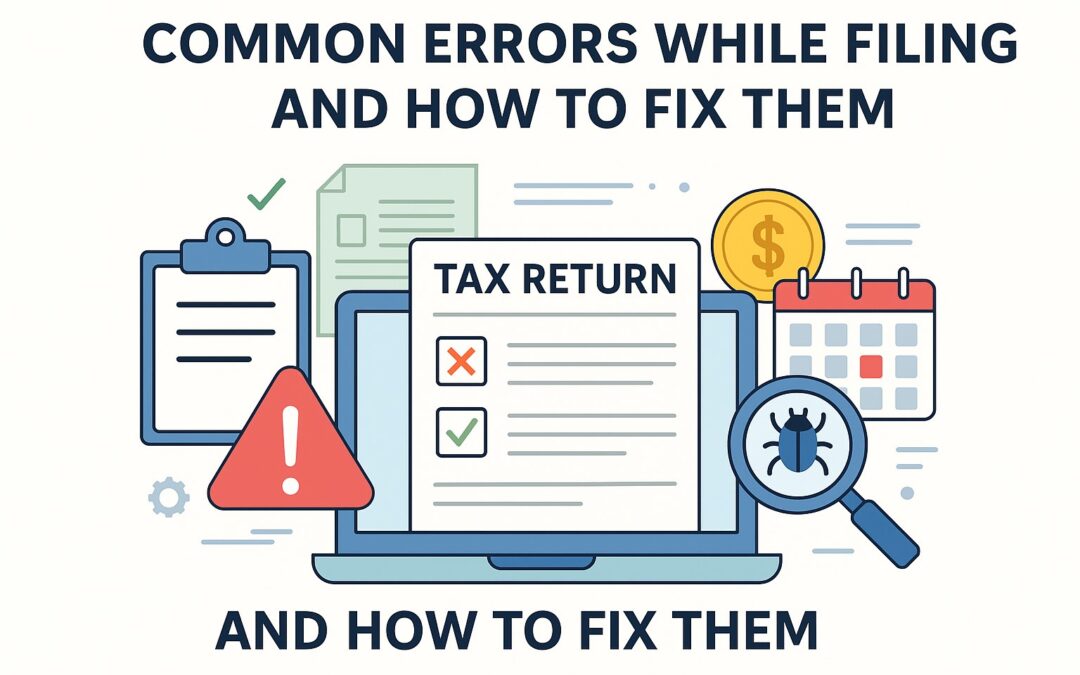
Day 23: Common Errors While Filing Tax In Pakistan And How to Fix Them
Introduction:
While filing your income tax return in Pakistan, especially via the FBR IRIS system, you might face several common errors—ranging from validation issues to system glitches. This guide highlights the most frequent mistakes taxpayers make and how to resolve them smoothly to avoid penalties or rejection of returns.
Common Errors Taxpayers Face on IRIS
1. Validation Errors
These errors occur when mandatory fields are left blank or data is entered in the wrong format. Examples include:
- Missing CNIC for dependents
- Wrong date formats
- Negative values in income fields
Solution:
- Carefully fill each section and use IRIS’s validation prompts.
- Click “Validate” before submission to identify pending errors.
2. Incorrect CNIC or Account Details
Mistyped CNICs or wrong bank account numbers can delay refunds or create discrepancies in records.
Solution:
- Double-check all personal information.
- Use original documents while entering data.
3. Unreported Income Sources
Forgetting to include freelance income, property rent, or foreign remittances can trigger audit notices.
Solution:
- Maintain a checklist of all income sources.
- Cross-check your bank statements and past year’s tax returns.
4. Duplicate Entries
Sometimes taxpayers enter income twice under different heads or repeat the same bank account details.
Solution:
- Review the entire form before submission.
- Reconcile with your accounting records or payslips.
5. Issues in Wealth Reconciliation
The most technical part, many users struggle to match their declared income with changes in assets/liabilities.
Solution:
- Use the “wealth statement comparison” tool in IRIS.
- Maintain accurate year-on-year documentation of assets and liabilities.
6. Filing Under the Wrong Category
Some salaried individuals mistakenly choose “business individual” or AOP sections, leading to wrong forms being filled.
Solution:
- Carefully select the taxpayer type at the beginning.
- Refer to your NTN profile on the FBR portal.
How to Fix Submitted Returns
Revised Return Filing:
If you’ve already submitted the return with an error, you can revise it:
- Log in to IRIS > Go to “Declarations” > “Return (Income)”
- Choose “file revised return”
- Make necessary corrections and submit.
Timeline:
You can file a revised return within 5 years from the end of the financial year, but only once without notice or more than once with FBR’s approval.
Expert Tip
Take a screenshot or download the acknowledgment of your final submission. Keep a record for at least 6 years as per FBR audit guidelines.
Conclusion
Avoiding these common errors ensures smoother tax compliance and quicker processing by the FBR. Remember, it’s always better to be accurate than to rush and face system rejections or audit triggers later.
Need Help Filing Error-Free Returns? 
MTF & Co. – Tax and Corporate Advisory has helped hundreds of individuals and businesses file accurate tax returns in Pakistan. Whether you’re facing system errors or wealth statement issues, our expert team can make the process stress-free.
✅ Personalized Tax Filing Assistance
✅ Wealth Reconciliation Support
✅ Business & Freelance Income Declaration
📞 Call or WhatsApp: +92-336-9324829
📧 Email Support: mtfco@onewebonehub.com
👉 Visit OneWebOneHub.com for more details.
Previous Post File Income Tax Return on IRIS
Next Post Revise Income Tax Return In Pakistan